
Pocket ID OAuth
Pocket ID is a popular OIDC server that enables login to apps with passkeys. Most proxies do not support OIDC/OAuth servers for authentication, meaning Pocket ID cannot be used with them. With Tinyauth, Pocket ID can be integrated with proxies to secure apps.
Requirements
Section titled “Requirements”A working Pocket ID installation is required. Refer to Pocket ID’s documentation for installation instructions.
Configuring Pocket ID
Section titled “Configuring Pocket ID”Begin by accessing Pocket ID’s admin dashboard:
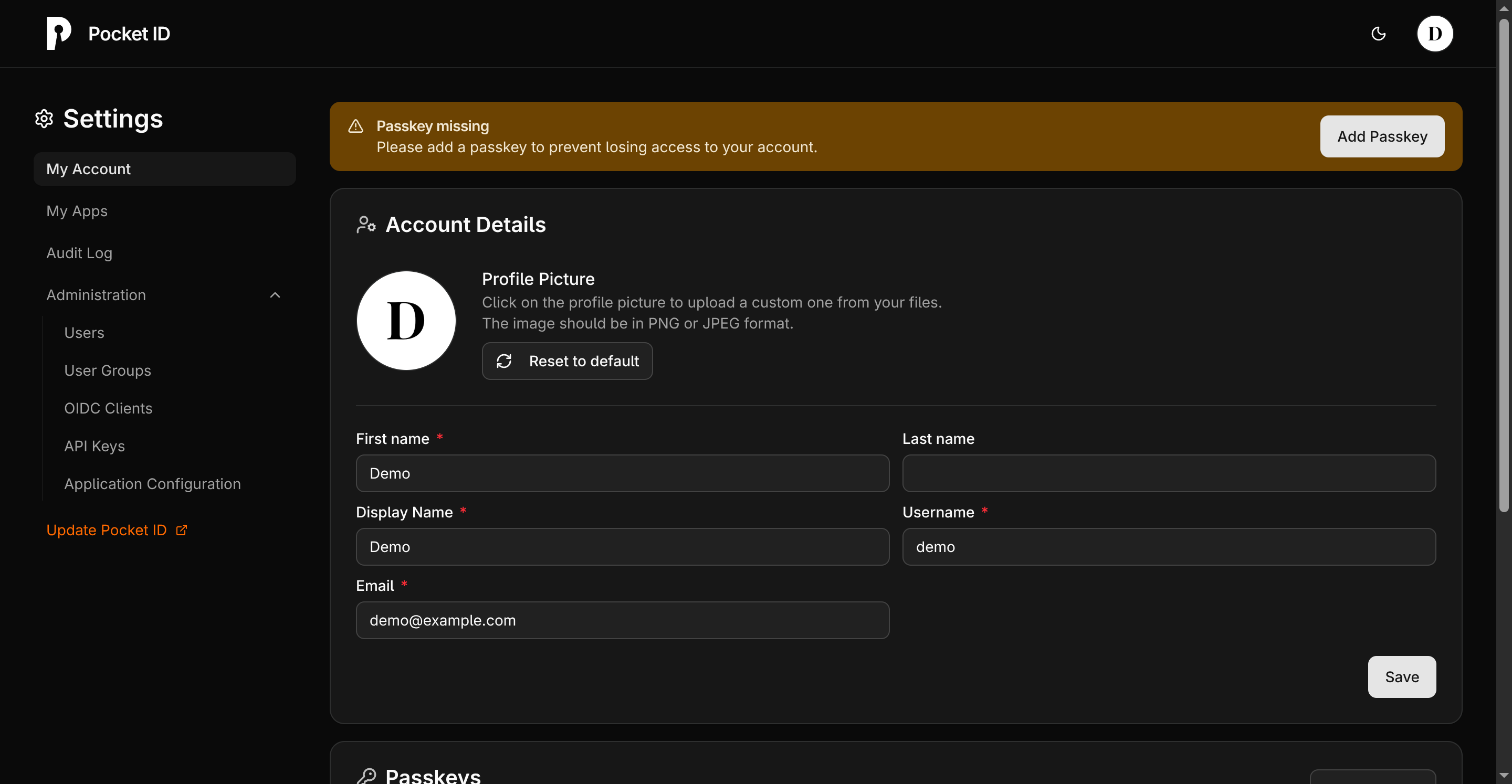
Navigate to the OIDC Clients tab (under Administration) and click Add OIDC Client. Provide the following details:
| Name | Value |
|---|---|
| Name | Assign a name to the client, such as Tinyauth. |
| Callback URLs | Enter the Tinyauth app URL followed by /api/oauth/callback/pocketid. For example: https://tinyauth.example.com/api/oauth/callback/pocketid. |
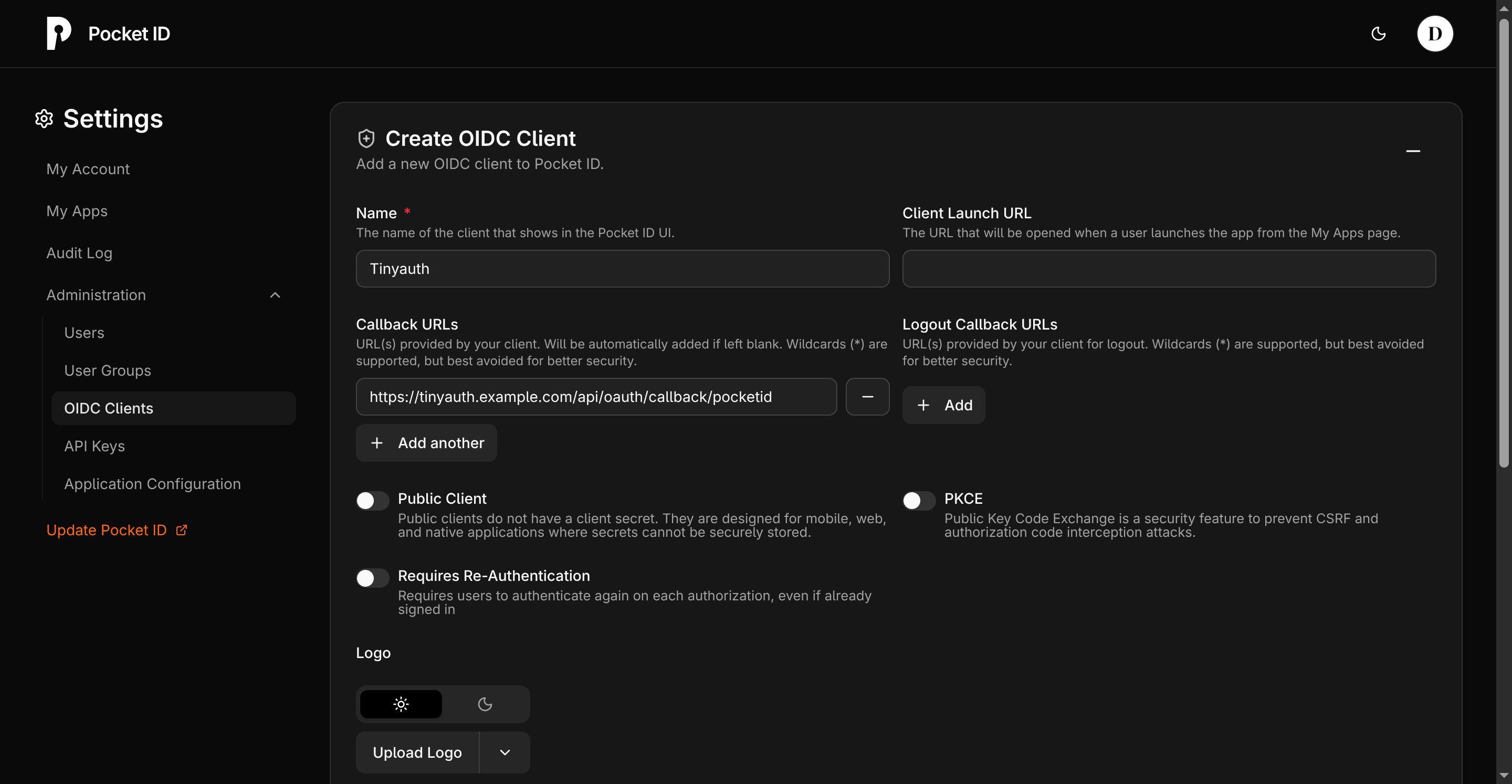
Optionally, upload a logo for the OIDC client. The Tinyauth logo is available on GitHub.

Click Save. A new page will display the OIDC credentials:
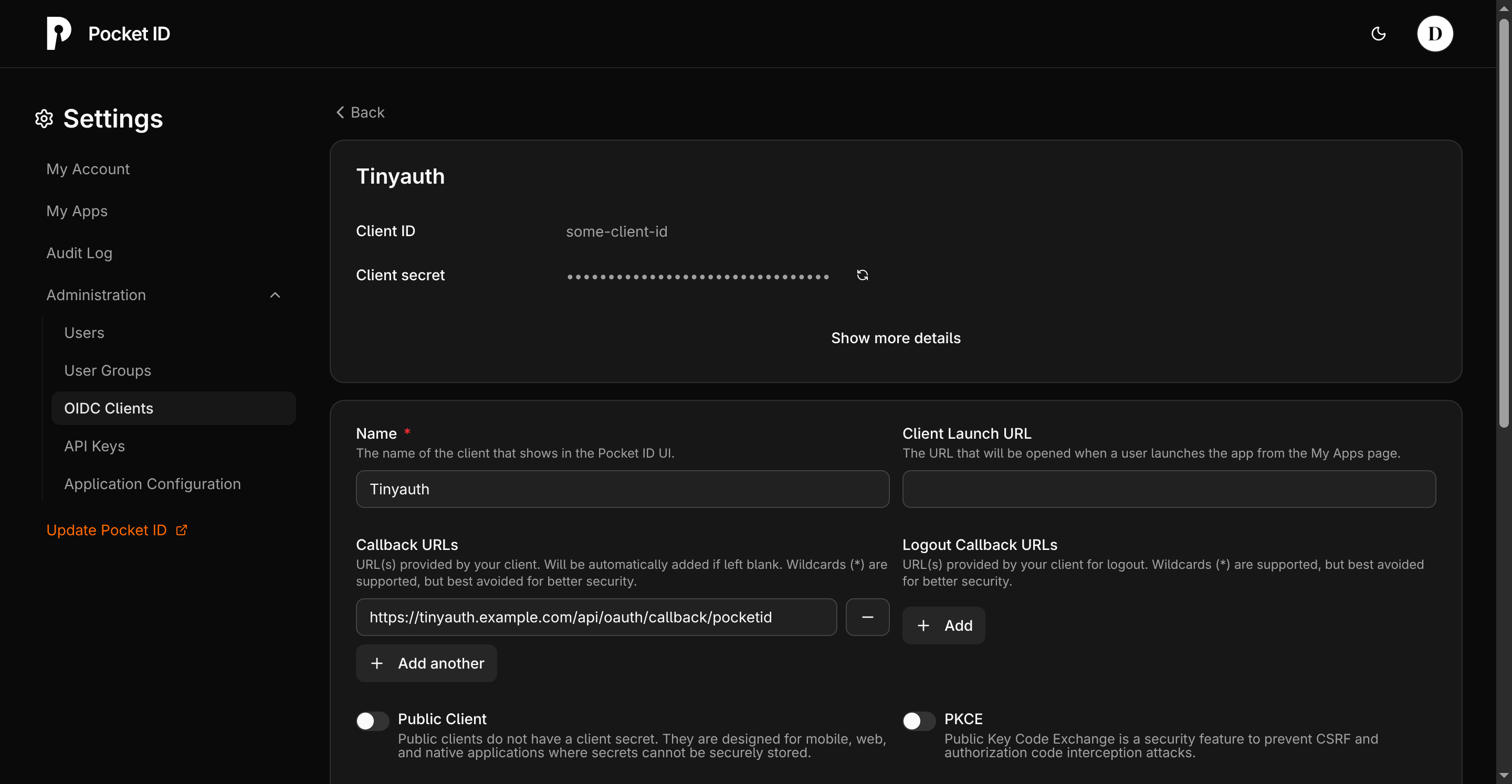
Note down the client ID and secret for later use.
Configuring Tinyauth
Section titled “Configuring Tinyauth”To integrate Tinyauth with Pocket ID, add the following environment variables to the Tinyauth Docker container:
services: tinyauth: environment: - TINYAUTH_OAUTH_PROVIDERS_POCKETID_CLIENTID=your-pocket-id-client-id - TINYAUTH_OAUTH_PROVIDERS_POCKETID_CLIENTSECRET=your-pocket-id-client-secret - TINYAUTH_OAUTH_PROVIDERS_POCKETID_AUTHURL=https://pocket-id.example.com/authorize - TINYAUTH_OAUTH_PROVIDERS_POCKETID_TOKENURL=https://pocket-id.example.com/api/oidc/token - TINYAUTH_OAUTH_PROVIDERS_POCKETID_USERINFOURL=https://pocket-id.example.com/api/oidc/userinfo - TINYAUTH_OAUTH_PROVIDERS_POCKETID_REDIRECTURL=https://tinyauth.example.com/api/oauth/callback/pocketid - TINYAUTH_OAUTH_PROVIDERS_POCKETID_SCOPES=openid email profile groups - TINYAUTH_OAUTH_PROVIDERS_POCKETID_NAME=Pocket IDRestart Tinyauth to apply the changes. The login screen will now include an option to log in with Pocket ID.
Access Controls with Pocket ID Groups
Section titled “Access Controls with Pocket ID Groups”Pocket ID supports user groups, which can simplify access control management. To use groups, create one by navigating to the User Groups tab and clicking Add Group. Assign a name and save the group:
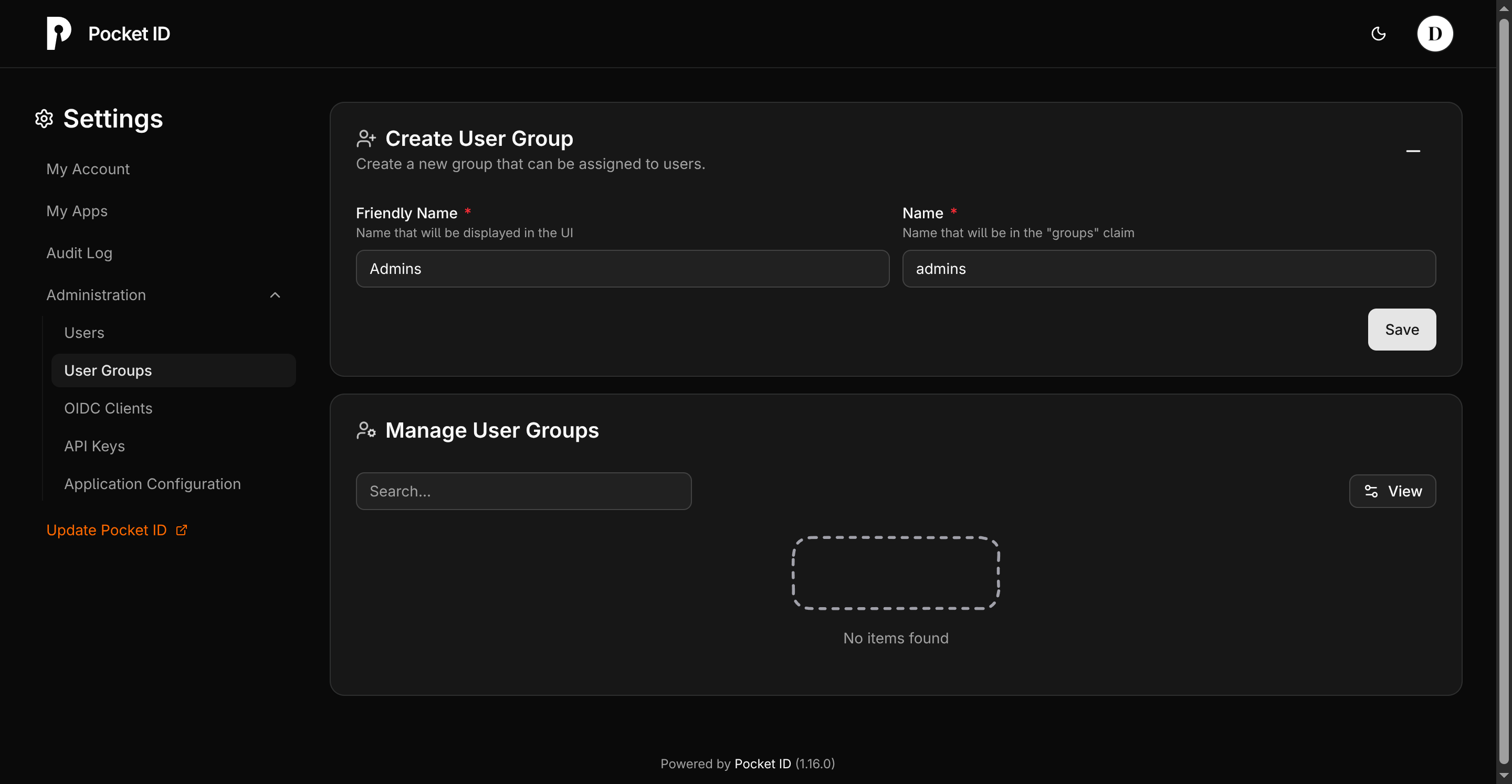
Select users to include in the group:
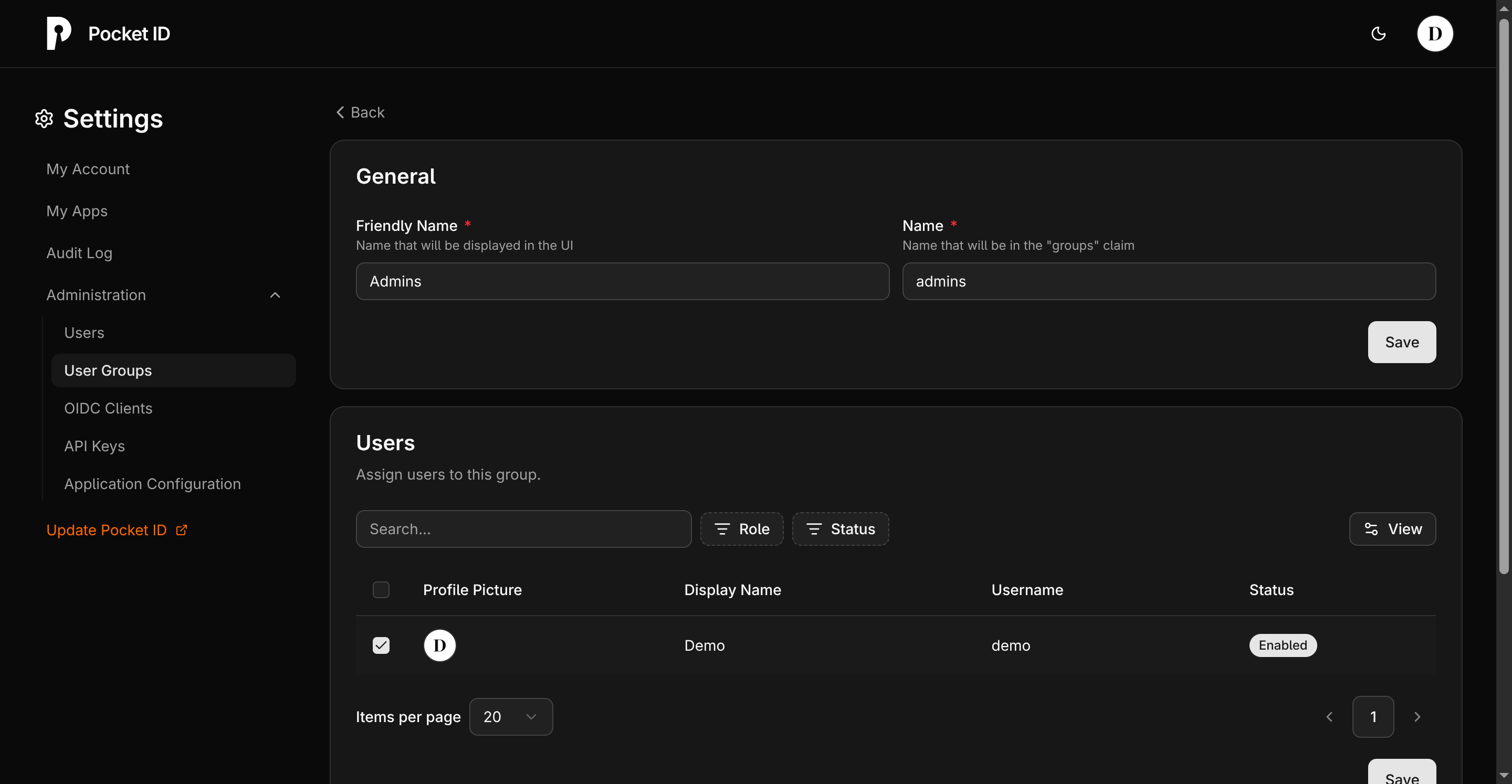
Configure Tinyauth-protected apps to require OAuth groups by adding the oauth.groups label:
tinyauth.apps.myapp.oauth.groups: adminsIn this example, only Pocket ID users in the admins group can access the app. Users outside the group will be redirected to an unauthorized page.