
Zitadel
Contributor: @WilliamB78.
Tinyauth has built-in support for any generic OAuth provider. This guide demonstrates how to use Zitadel to authenticate users.
Requirements
Section titled “Requirements”- A domain name (gTLD required)
- A Zitadel instance (cloud or self-hosted)
Creating the Zitadel OAuth App
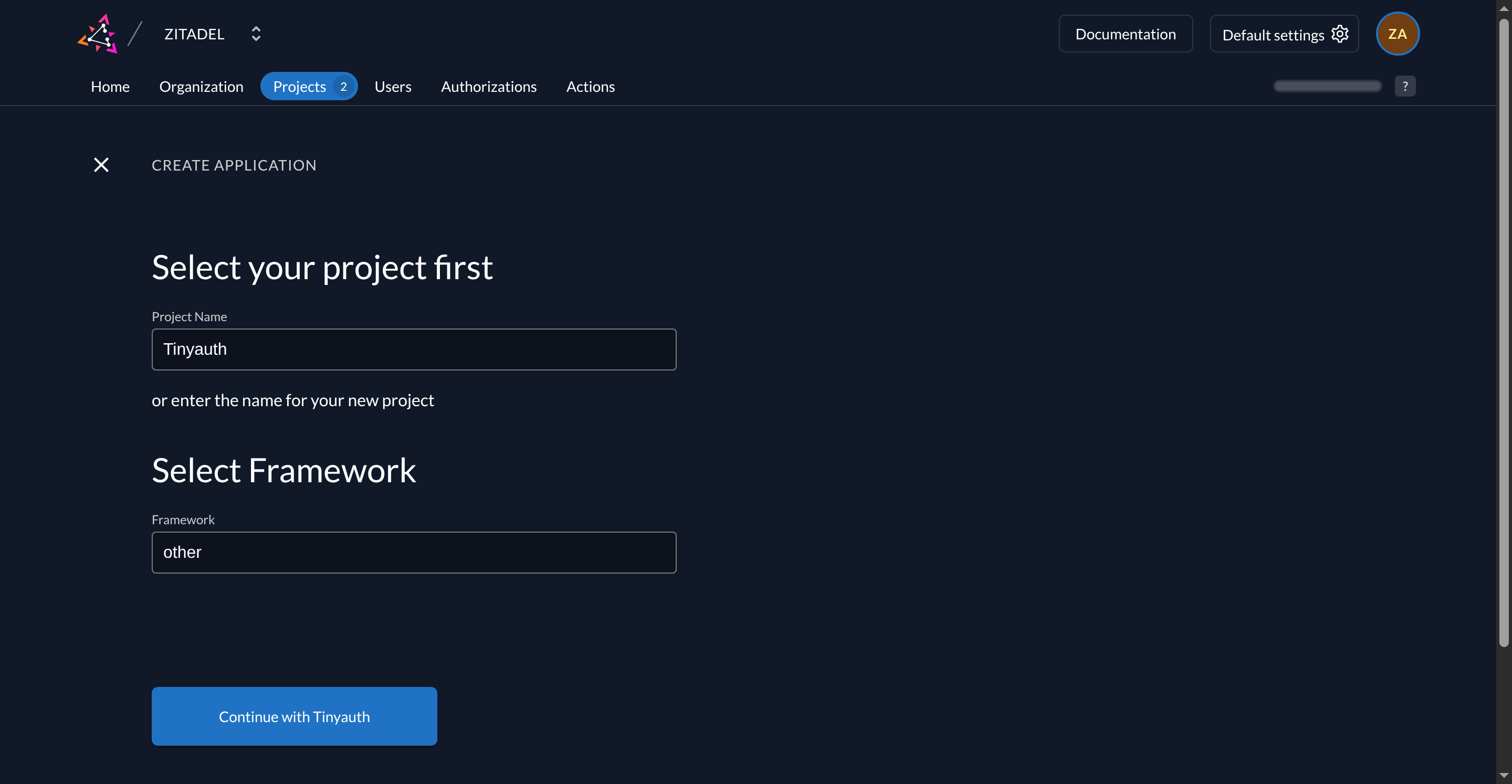
Section titled “Creating the Zitadel OAuth App”Begin by creating an app in Zitadel. Visit the Zitadel Console and create a new project. For project name use Tinyauth and for framework select other.
Then, create a new application by clicking the + button. Follow the wizard and configure the app as follows:
| Name | Value |
|---|---|
| Name | Tinyauth |
| Type | Web |
| Grant Types | Authorization Code |
| Response Types | Code |
| Authentication Method | Basic |
| Redirect URI | https://tinyauth.example.com/api/oauth/callback/zitadel |
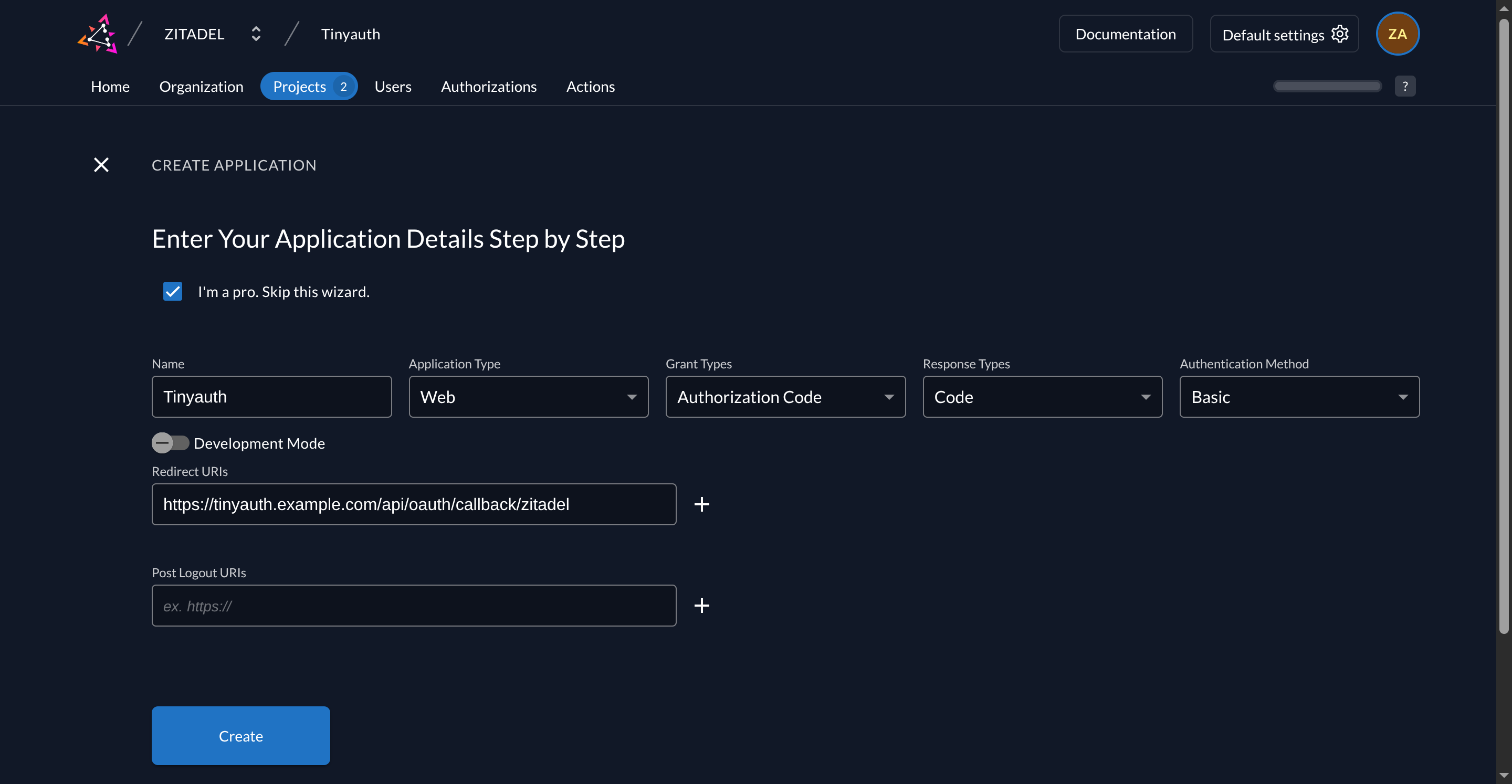
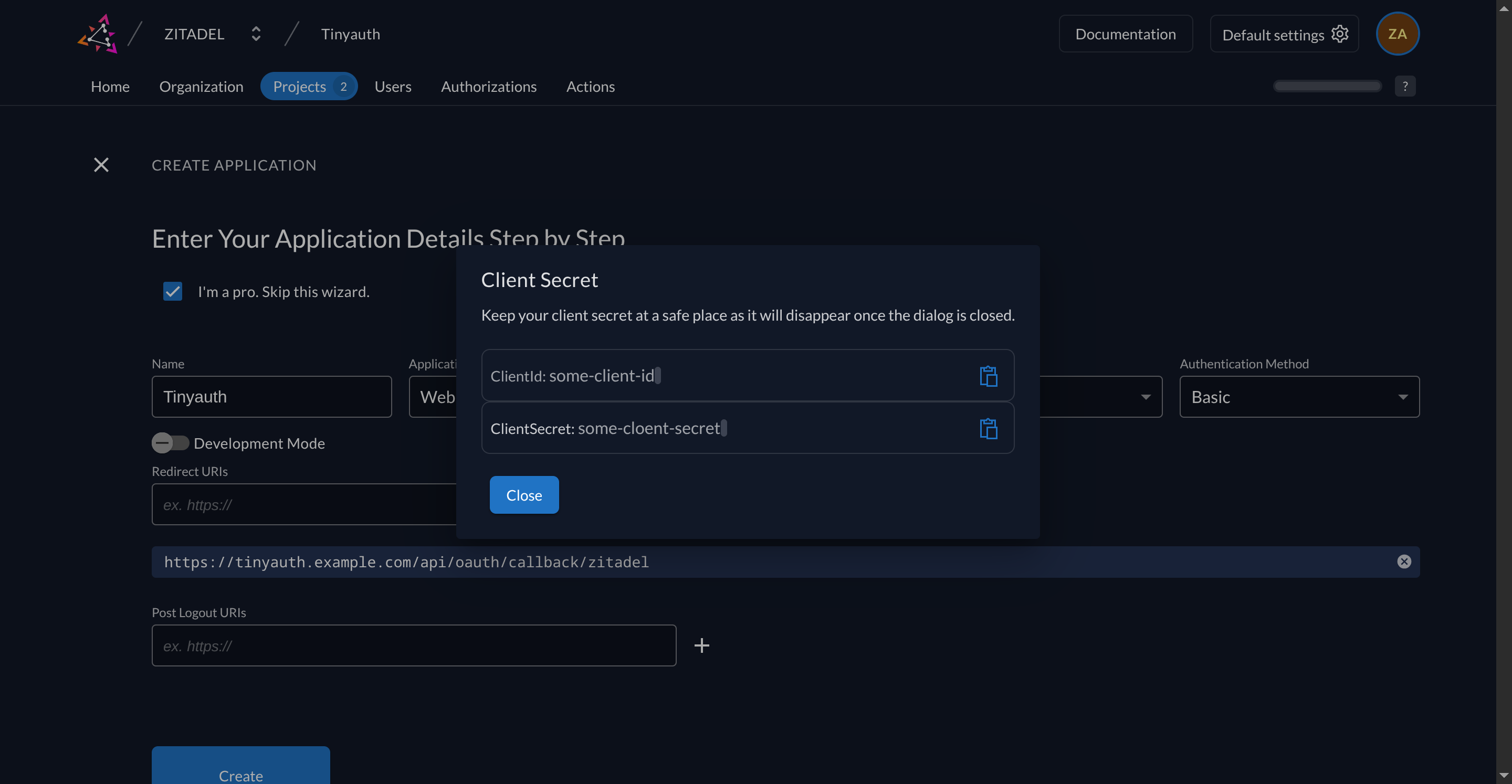
Finalize by clicking the Create button. Copy the client ID and client secret.
Configuring Tinyauth
Section titled “Configuring Tinyauth”To integrate Zitadel with Tinyauth, add the following environment variables to the Tinyauth Docker container:
services: tinyauth: environment: - TINYAUTH_OAUTH_PROVIDERS_ZITADEL_SCOPES=openid profile email preferred_username groups - TINYAUTH_OAUTH_PROVIDERS_ZITADEL_AUTHURL=https://zitadel.example.com/oauth/v2/authorize - TINYAUTH_OAUTH_PROVIDERS_ZITADEL_TOKENURL=https://zitadel.example.com/oauth/v2/token - TINYAUTH_OAUTH_PROVIDERS_ZITADEL_USERINFOURL=https://zitadel.example.com/oidc/v1/userinfo - TINYAUTH_OAUTH_PROVIDERS_ZITADEL_REDIRECTURL=https://tinyauth.example.com/api/oauth/callback/zitadel - TINYAUTH_OAUTH_PROVIDERS_ZITADEL_CLIENTID=your-zitadel-client-id - TINYAUTH_OAUTH_PROVIDERS_ZITADEL_CLIENTSECRET=your-zitadel-client-secret - TINYAUTH_OAUTH_PROVIDERS_ZITADEL_NAME=ZitadelRestart Tinyauth. Upon visiting the login screen, an additional option to log in with Zitadel will appear.